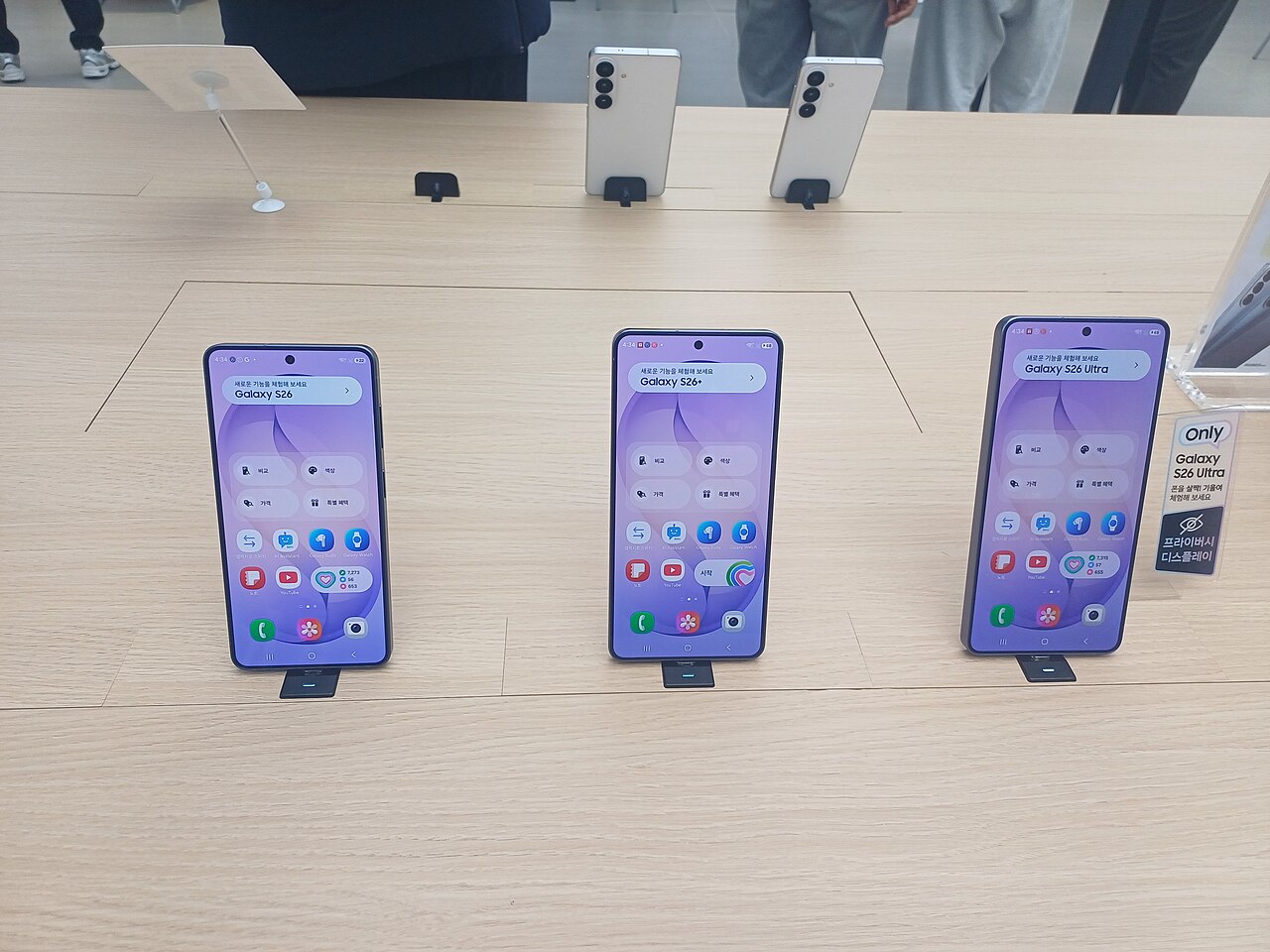
Oppo ColorOS 17 update is here, offering a range of new features for users. In this article, we’ll explore which phones are eligible and how to download the update.
What’s New in Oppo ColorOS 17?
The Oppo ColorOS 17 update brings a host of exciting features designed to enhance user experience and device performance. Users can expect significant improvements and new functionalities that cater to their daily needs.
Here are some of the key highlights of the latest update:
- Enhanced Privacy Controls: ColorOS 17 introduces advanced privacy settings, allowing users to have greater control over their personal data.
- Improved User Interface: A revamped design offers a more intuitive navigation experience, making it easier to access frequently used apps and features.
- AI-Powered Features: New AI enhancements help optimize battery usage and improve overall system performance, ensuring a smoother operation.
- Customizable Always-On Display: Users can now personalize their always-on display with various styles and information, adding a unique touch to their device.
- New Themes and Wallpapers: A selection of fresh themes and wallpapers allows for further customization, letting users express their individuality.
With these improvements, the Oppo ColorOS 17 update aims to provide an enriched smartphone experience for all users.
How to Download the Update
To download the Oppo ColorOS 17 update, users should follow a few simple steps to ensure a smooth process. First, ensure that your device is compatible by checking the list of eligible phones provided by Oppo. Once confirmed, follow these instructions:
- Backup Your Data: Before proceeding with the update, it’s essential to back up your important data to avoid any potential loss during the update process.
- Connect to Wi-Fi: Ensure your device is connected to a stable Wi-Fi network to prevent interruptions and excessive data usage during the download.
- Check for Updates: Navigate to Settings > Software Update. Your device will automatically search for available updates.
- Download the Update: If the Oppo ColorOS 17 update is available, tap on Download to begin the process. Make sure your device has sufficient storage space.
- Install the Update: Once downloaded, follow the on-screen instructions to install the update. Your device may reboot several times during this process.
After the installation is complete, explore the new features and enhancements that come with the Oppo ColorOS 17 update.
Eligible Phones for ColorOS 17
The Oppo ColorOS 17 update is set to enhance the user experience with a variety of new features and improvements. However, not all Oppo devices will receive this update. Here is a list of eligible phones that will support the ColorOS 17 update:
- Oppo Find X6 Pro
- Oppo Find X6
- Oppo Reno 8 Pro
- Oppo Reno 8
- Oppo Reno 7 Pro
- Oppo Reno 7
- Oppo A78
- Oppo A77
- Oppo F21 Pro
- Oppo F21
Users of these devices can expect a seamless transition to the new features offered in the ColorOS 17 update. It is advisable for users to check for system updates regularly to ensure they don’t miss out on the latest improvements. Keep an eye out for notifications regarding the rollout in the coming weeks.
User Experience with ColorOS 17
The user experience with the Oppo ColorOS 17 update has received positive feedback from many users, highlighting the seamless integration of new features and enhancements. One of the most praised aspects is the improved user interface, which offers a cleaner and more intuitive design. Users have reported that navigating through apps and settings feels more fluid than ever.
Additionally, the update has brought about significant performance optimizations that contribute to faster app launches and reduced lag, particularly during multitasking. This is especially noticeable on devices that previously struggled with performance issues.
Another notable feature is the enhanced customization options, allowing users to tailor their home screens with new widgets and themes. The ability to personalize their devices has resonated well with the Oppo community, making the ColorOS experience more engaging.
Furthermore, battery management has seen improvements, with smarter algorithms that extend battery life while maintaining performance. Users have appreciated the balance between power efficiency and usability, making their daily interactions with their devices more satisfying.
Overall, the Oppo ColorOS 17 update has elevated the user experience, making it a welcome upgrade for many.
Comparing ColorOS 17 to Previous Versions
With the release of the Oppo ColorOS 17 update, users are eager to understand how it compares to previous versions. The evolution of ColorOS has been marked by significant enhancements in user interface, performance, and functionality.
One of the most notable upgrades in ColorOS 17 is its refined user interface, which now offers a more intuitive layout and smoother navigation. In comparison, earlier versions had a more cluttered design, which sometimes hindered user experience.
Furthermore, ColorOS 17 introduces improved battery optimization features, allowing for longer usage times without needing frequent charges. Previous iterations had basic battery management tools, but the current version utilizes advanced algorithms to extend battery life.
Additionally, the multitasking capabilities in ColorOS 17 have been enhanced, enabling users to run multiple applications seamlessly. Previous versions often struggled with performance when multiple apps were open, causing slowdowns.
In summary, the Oppo ColorOS 17 update represents a significant leap forward, blending aesthetics with performance improvements that enhance the overall user experience compared to its predecessors.
Tips for a Smooth Update
Updating your device to the latest version of ColorOS can enhance your smartphone experience significantly. Here are some tips for a smooth update process to the Oppo ColorOS 17 update:
- Backup Your Data: Before initiating the update, ensure that all your important data is backed up securely. This will prevent any loss of information in case of unexpected issues during the update.
- Charge Your Phone: Make sure your device is charged to at least 50% before starting the update. This reduces the risk of your phone dying mid-update, which can lead to software corruption.
- Stable Internet Connection: A stable Wi-Fi connection is essential to ensure a smooth download of the ColorOS 17 update. Avoid using mobile data as it may be slower and less reliable.
- Clear Storage Space: Check your device’s storage and clear unnecessary files or apps. Having sufficient space is crucial for a successful update.
- Follow Instructions Carefully: Once you start the update, follow all on-screen instructions carefully to avoid complications.
By taking these steps, you can ensure a hassle-free transition to the new features of Oppo ColorOS 17.
Common Issues and Fixes
As users begin to explore the new features of the Oppo ColorOS 17 update, some common issues may arise. Here are a few frequently reported problems along with their potential fixes:
- Battery Drain: Many users have noticed increased battery consumption after upgrading. To mitigate this, consider adjusting your app settings or enabling battery saver mode to extend usage.
- Performance Lag: If your device feels sluggish post-update, clear the cache of individual apps. This can help improve performance by freeing up system resources.
- Connectivity Issues: Problems with Wi-Fi or Bluetooth connectivity can occur after an update. Restarting your device or resetting network settings may resolve these issues.
- App Compatibility: Some apps might not function properly with the new OS. Ensure that all applications are updated to their latest versions from the app store.
- UI Glitches: If you experience any display anomalies, try restarting your phone. If the issue persists, consider reporting it through the feedback option in settings.
By addressing these common issues, users can enhance their experience with the Oppo ColorOS 17 update.
Future Updates for Oppo Devices
The rollout of the Oppo ColorOS 17 update marks a significant step in the company’s commitment to enhancing user experience. However, the excitement doesn’t end here, as future updates are already on the horizon.
Oppo has a robust plan for continuous improvements and feature enhancements. Here’s what users can expect in upcoming updates:
- Enhanced Security Features: Future updates are likely to include advanced security protocols to protect user data more effectively.
- New Customization Options: Users can look forward to additional themes and icon packs, allowing for a more personalized interface.
- Improved Performance: Regular performance enhancements will ensure that devices run smoothly with the latest software demands.
- Expanded Device Compatibility: Oppo may introduce the ColorOS 17 update to a wider range of devices, bringing new features to more users.
- Feedback Integration: Oppo is expected to consider user feedback to refine and enhance future iterations of ColorOS.
Keeping your device updated will ensure you enjoy the latest features and improvements as they become available.
Sources
Related reading
Motorola Signature launch: Best Proven Features Revealed · MS-Terminator Z890-C motherboard: The Best New Tech Release · Amazon Leo satellites: Best Proven Launch with Ariane 6