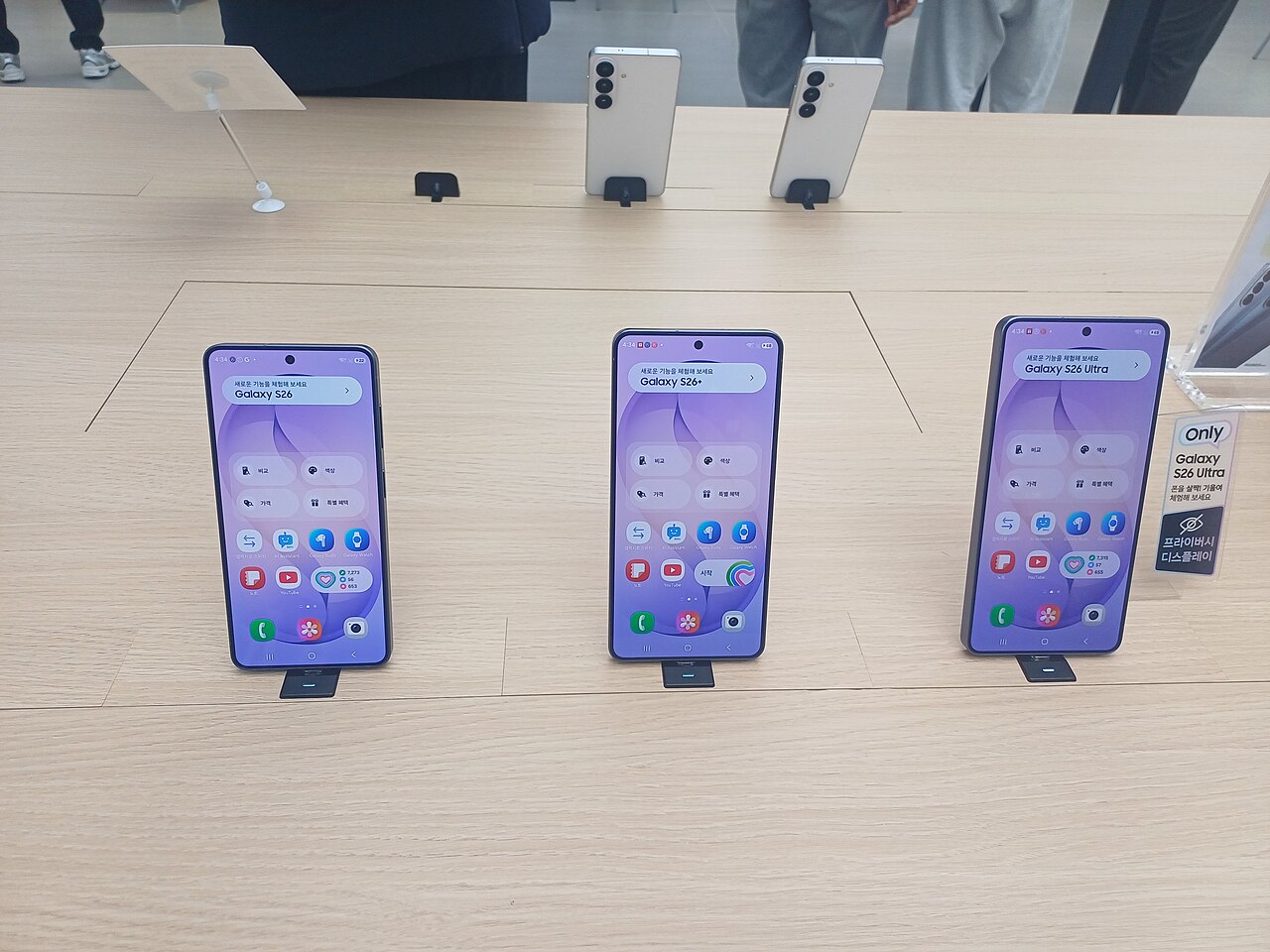
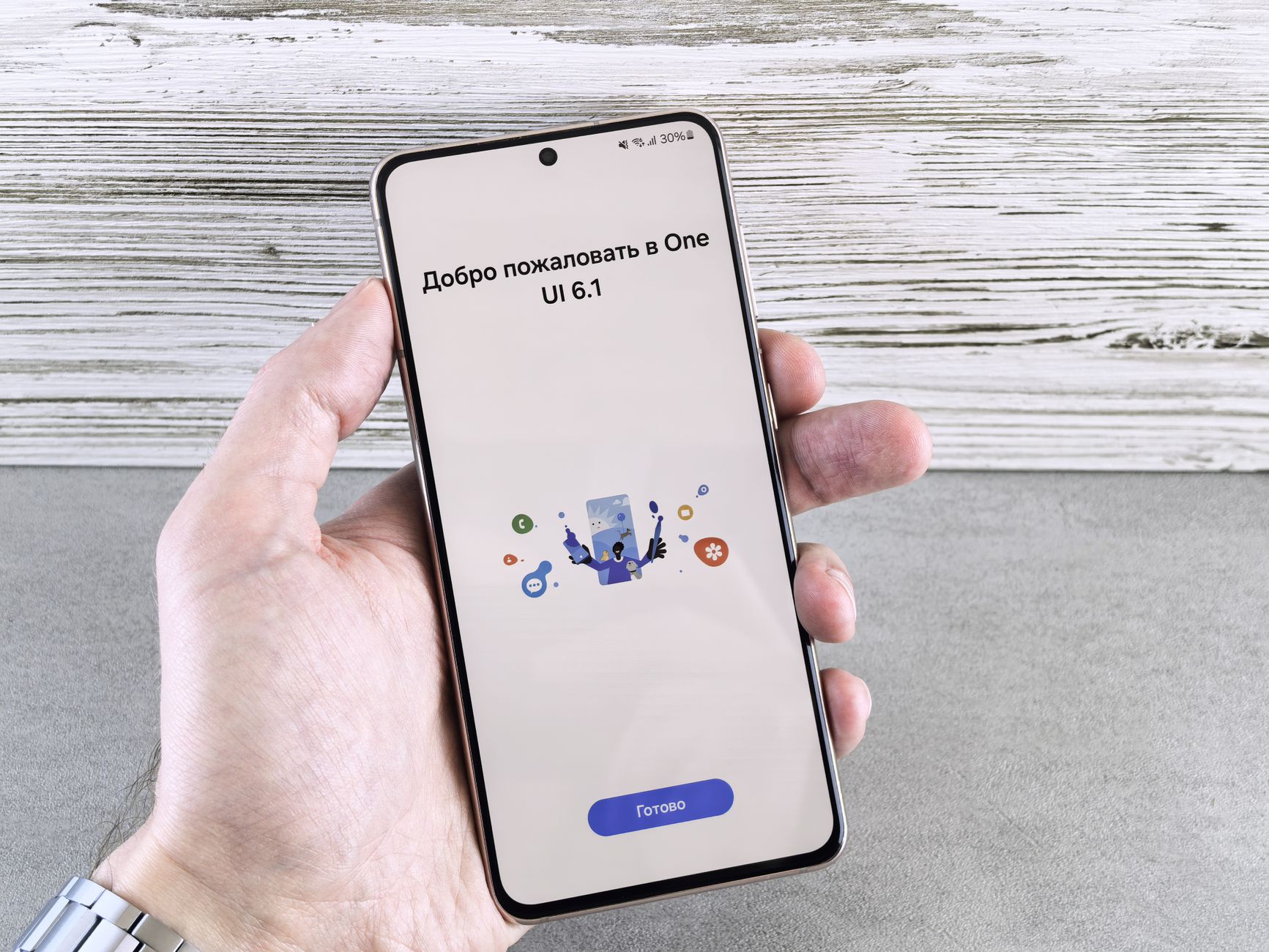
One UI 9 features are now officially rolling out for the Galaxy S26, introducing innovative AI tools that enhance user experience. Samsung continues to impress with these updates.
Overview of One UI 9
Samsung has officially begun the rollout of One UI 9 for the Galaxy S26, introducing a range of innovative AI tools designed to enhance user experience. This latest update aims to streamline device functionality and provide users with smarter features that adapt to their needs.
One UI 9 features a refreshed interface that emphasizes simplicity and ease of use. Users can expect a more intuitive layout, making navigation smoother and more efficient. The integration of advanced AI capabilities allows the system to learn from user behavior, enabling personalized suggestions and automation of routine tasks.
Among the standout features are:
- Smart Assistant: A built-in AI assistant that anticipates user needs and provides context-aware suggestions.
- Enhanced Camera Modes: AI-driven camera settings that optimize photo quality based on the environment.
- Adaptive Battery Management: An intelligent battery feature that learns usage patterns to extend battery life.
- Improved Accessibility Options: AI tools that assist users with diverse needs, ensuring inclusivity.
Overall, One UI 9 brings significant advancements that not only enhance functionality but also align with the evolving demands of modern smartphone users.
Key AI Features in One UI 9
The latest update, One UI 9, introduces a suite of innovative AI features designed to enhance the user experience on the Galaxy S26. These enhancements focus on personalization, productivity, and efficiency, making everyday tasks more intuitive.
- Smart Suggestions: One UI 9 utilizes machine learning to provide context-aware recommendations, such as suggesting the best apps based on usage patterns.
- Enhanced Bixby: The updated Bixby assistant now offers improved voice recognition and can perform more complex tasks, making it easier for users to control their devices.
- AI Photo Enhancements: The photo editing tools in One UI 9 are powered by AI, allowing for automatic adjustments and enhancements to images, ensuring they look their best with minimal effort.
- Battery Optimization: AI algorithms monitor app usage and adjust settings to prolong battery life, ensuring users can enjoy their devices longer without frequent recharges.
- Adaptive UI: One UI 9 adapts to user habits, rearranging menus and options for quicker access to frequently used features, streamlining navigation.
These key AI features in One UI 9 not only enrich the functionality of the Galaxy S26 but also exemplify Samsung’s commitment to integrating advanced technology into everyday mobile experiences.
How to Update to One UI 9
Updating your Galaxy S26 to One UI 9 is a straightforward process that ensures you have access to the latest features and improvements. To begin the update, follow these simple steps:
- Connect to Wi-Fi: Make sure your device is connected to a stable Wi-Fi network to avoid using mobile data during the download.
- Check Battery Level: Ensure your Galaxy S26 has at least 50% battery life, or keep it plugged into a charger during the update process.
- Open Settings: Tap on the ‘Settings’ icon on your home screen or app drawer.
- Software Update: Scroll down and select ‘Software update.’
- Download and Install: Tap on ‘Download and install’ to check for the latest version of One UI 9. If available, follow the prompts to download and install the update.
Once the installation is complete, your device will restart, and you will be able to explore the new features and enhancements that One UI 9 brings, including its innovative AI tools designed to enhance user experience further.
User Reactions to One UI 9
As the rollout of One UI 9 continues for the Galaxy S26, user reactions have been a mix of excitement and curiosity regarding the new features. Many early adopters have taken to social media platforms to share their experiences and thoughts on the latest update.
Positive feedback highlights the enhanced AI tools, with users praising the improved photo editing capabilities and intelligent app suggestions. One user commented, “The AI features in One UI 9 have made my daily tasks so much easier. I love how it can suggest the best filters based on my photos!”
However, some users have encountered minor bugs and glitches. A few Galaxy S26 owners expressed their concerns, stating that certain functions seem slower than expected. One user noted, “I love the new features, but I hope Samsung addresses these performance issues soon.”
Overall, the consensus appears to be that while there are some teething problems, the innovative capabilities of One UI 9 are a significant step forward. Many users are eager to explore the full potential of these features, and discussions surrounding the update continue to gain momentum.
As feedback rolls in, Samsung is likely to take user suggestions into account for future updates, aiming to refine the One UI 9 experience further.
Comparing One UI 9 to Previous Versions
The release of One UI 9 marks a significant evolution in Samsung’s user interface, particularly when compared to previous versions. While One UI 4 and 5 introduced various enhancements, One UI 9 brings a refined experience that emphasizes AI-driven tools, making it a more intelligent and intuitive platform for users of the Galaxy S26.
One of the most notable differences is in the AI capabilities. In One UI 9, features such as enhanced camera modes, improved battery management, and smarter app suggestions have been further optimized. This allows users to enjoy a more seamless experience tailored to their usage patterns.
Another improvement is the overall aesthetic of the interface. One UI 9 incorporates more fluid animations and transitions, creating a visually pleasing experience. The customization options have also seen upgrades, offering users greater flexibility in personalizing their devices.
Additionally, security features have been bolstered in One UI 9, ensuring that users’ data is well-protected. With these advancements, Samsung has positioned One UI 9 as a substantial leap forward, aligning well with the growing demand for smarter and more efficient mobile experiences.
Tips for Using New AI Tools
The introduction of One UI 9 features has brought exciting new AI tools to the Galaxy S26, enhancing the user experience significantly. To make the most out of these advancements, consider the following tips.
- Explore the Settings: Familiarize yourself with the new AI options available under the settings menu. This will allow you to customize features that best suit your needs.
- Utilize Bixby Routines: Leverage the improved Bixby Routines to automate daily tasks. By setting specific triggers, you can streamline your phone’s functionality, making it more efficient.
- Experiment with AI Camera Features: The AI enhancements in the camera app can dramatically improve your photography. Experiment with different modes and filters to see how they enhance your images.
- Stay Updated: Regularly check for updates within One UI 9 to ensure you are benefiting from the latest AI tools and improvements as they are rolled out.
- Engage with the Community: Join online forums or Samsung communities to share tips and tricks. Other users often provide valuable insights into maximizing the potential of One UI 9 features.
By following these tips, you can truly harness the power of the AI tools offered in One UI 9, enhancing your Galaxy S26 experience.
Future Updates for Galaxy S26
As Samsung continues to enhance the user experience for its Galaxy S26, future updates for One UI 9 promise to bring even more advanced features and functionalities. With the initial rollout already showcasing significant improvements, users can look forward to additional refinements that leverage AI technology.
In the upcoming months, Samsung is expected to introduce updates that focus on:
- Improved AI Assistants: Enhanced capabilities for Bixby, making it more intuitive and responsive to user commands.
- Smart Home Integration: Expanded compatibility with smart home devices, allowing for seamless control through One UI 9.
- Personalized Recommendations: AI-driven suggestions for apps, settings, and content based on user habits.
- Enhanced Privacy Features: Advanced tools for managing data security and permissions, ensuring user privacy is a top priority.
- Regular Performance Improvements: Ongoing optimizations to ensure that the Galaxy S26 runs smoothly with the latest features.
These future updates for One UI 9 are designed to provide Galaxy S26 users with a more personalized and efficient experience, reinforcing Samsung’s commitment to innovation and customer satisfaction.
Conclusion on One UI 9 Rollout
As Samsung officially rolls out One UI 9 for the Galaxy S26, it is clear that the new update brings a significant evolution in user experience, particularly through its enhanced AI tools. The integration of these features aims to optimize device performance while providing users with a more intuitive interface. With the rollout now underway, many users can expect improvements in daily interactions with their devices, making tasks more efficient and streamlined.
The feedback received from early adopters indicates a generally positive reception towards the One UI 9 features. Users have highlighted the responsiveness of the AI enhancements, which not only simplify routine operations but also personalize user experiences based on individual preferences. This adaptability stands out as a key advantage over previous versions.
In conclusion, the arrival of One UI 9 marks a pivotal moment for Samsung Galaxy S26 users. The focus on AI tools reflects Samsung’s commitment to innovation and user satisfaction. As more users gain access to this update, it will be interesting to observe how the community adapts to and utilizes these new features. Overall, One UI 9’s rollout signifies an exciting chapter in the evolution of Samsung’s software ecosystem.
Among the most exciting One UI 9 features is the enhanced AI-driven photo editing tool that allows users to effortlessly enhance their images. Additionally, these One UI 9 features include smarter notifications that prioritize important messages based on user habits.
Photo by Andrey Matveev on Pexels