
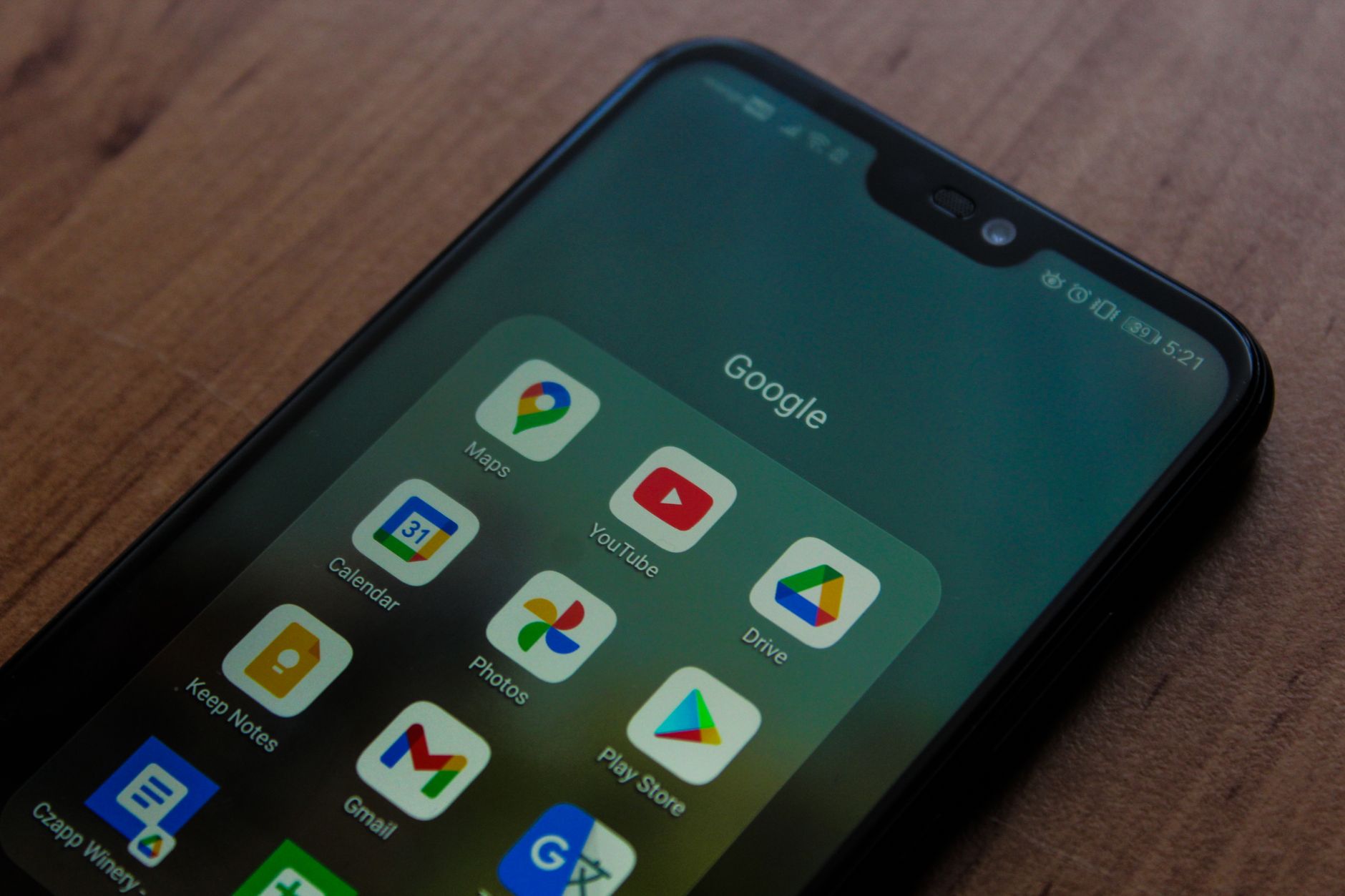
Google Pixel lock screen has introduced a new shortcut for Google Keep notes, enhancing user experience significantly. After years of development, this feature aims to streamline note-taking directly from the lock screen.
What is the Google Pixel lock screen update?
The recent update to the Google Pixel lock screen introduces a highly anticipated feature that enhances user convenience and accessibility. This update allows users to quickly access Google Keep notes directly from their lock screens, streamlining the process of jotting down important information without the need to unlock their devices.
After years of development, the rollout is finally here, and it promises to make note-taking more intuitive for Google Pixel users. Here are some key highlights of the update:
- Quick Access: Users can now view and create notes directly from the lock screen, eliminating the need to navigate through apps.
- Customization: The feature allows for personalized shortcuts, enabling users to select which notes or lists are displayed for immediate access.
- Enhanced Functionality: The integration with Google Keep means that users can seamlessly sync their notes across devices, ensuring they are always up to date.
- User-Friendly Interface: The design is simple and clean, making it easy for users to interact with their notes without any distractions.
This innovative addition to the Google Pixel lock screen not only enhances productivity but also reflects Google’s commitment to improving user experience through thoughtful design and functionality.
How does the Google Keep shortcut work?
The Google Pixel lock screen has recently introduced a highly anticipated feature: the Google Keep shortcut. This new addition allows users to quickly access their notes without having to unlock their devices, simplifying the process of jotting down thoughts on the go.
To utilize this feature, users must first enable the Google Keep shortcut in their device settings. Once activated, a small icon will appear on the lock screen. Tapping this icon opens a user-friendly interface where notes can be created or accessed instantly.
Here are some key aspects of how the Google Keep shortcut works:
- Quick Access: Users can create new notes or check existing ones right from the lock screen.
- Voice Notes: The feature supports voice input, allowing users to dictate their thoughts effortlessly.
- Customizable Options: Users can choose to display specific notes for quick reference, ensuring that the most important information is always at their fingertips.
- Security Features: While the shortcut offers convenience, it maintains security by allowing access only to notes deemed safe for viewing without unlocking the device.
Overall, the Google Pixel lock screen’s Google Keep shortcut is poised to enhance productivity and streamline note-taking for users, making it a standout feature in the latest update.
Benefits of the new lock screen features
The recent update to the Google Pixel lock screen introduces several exciting features that enhance user experience and accessibility. These benefits are particularly appealing to those who prioritize efficiency and quick access to important tools.
- Quick Access to Notes: The integration of Google Keep directly on the lock screen allows users to jot down important thoughts or reminders instantly. This eliminates the need to unlock the device, enhancing productivity.
- Streamlined Workflow: With the new shortcuts, users can quickly navigate to frequently used applications or functions, effectively reducing the time spent on repetitive tasks.
- Personalization Options: The Google Pixel lock screen updates allow for customized shortcuts, letting users choose which apps to prioritize based on their personal usage patterns.
- Increased Security: Having access to important tools without unlocking the device may seem counterintuitive, but Google has implemented safeguards to ensure that sensitive information remains protected.
- Enhanced User Experience: The overall design and functionality of the lock screen have been refined, making it more intuitive and user-friendly.
These innovations are a testament to Google’s commitment to improving user interaction and making everyday tasks easier, positioning the Google Pixel lock screen as a leader in smartphone functionality.
User reactions to the Google Pixel update
User reactions to the Google Pixel update have been overwhelmingly positive, highlighting the innovative features of the Google Pixel lock screen. Many users have taken to social media to express their excitement about the new functionality, particularly the integration of Google Keep shortcuts. This addition is praised for its convenience, allowing users to quickly jot down notes without unlocking their devices.
Among the key points raised by users, the following stand out:
- Enhanced Productivity: Many users report that the Google Pixel lock screen update has significantly boosted their productivity. The ability to create notes instantly has made it easier for them to capture ideas on the fly.
- User-Friendly Interface: Feedback indicates that the interface is intuitive and easy to navigate, making the transition to the new features seamless.
- Increased Customization: Some users appreciate the personalized touch this update brings, allowing them to tailor their lock screen to meet their individual needs.
- Mixed Opinions: While the majority of reactions are positive, a few users have noted minor bugs and suggested that further improvements are needed for a smoother experience.
Overall, the Google Pixel lock screen update has received acclaim for its thoughtful design, positioning it as a potential game-changer in the smartphone experience.
Comparing Google Pixel to other smartphones
When it comes to the Google Pixel lock screen features, the competition is fierce among leading smartphone brands. While many devices offer basic lock screen functionalities, Google’s latest update has set a new standard with its innovative shortcuts. Unlike Apple, which relies on a widget-based approach, the Google Pixel lock screen integrates features directly into the user experience, making it more accessible and intuitive.
Samsung, known for its feature-rich interfaces, provides a customizable lock screen but lacks the seamless integration of Google Keep shortcuts. Users often find themselves navigating through multiple screens, which can detract from the overall user experience. In contrast, the Google Pixel lock screen allows for quick access to notes and reminders without unnecessary clicks.
Additionally, OnePlus smartphones offer a range of lock screen options, but they typically emphasize aesthetics over functionality. The Google Pixel, however, focuses on enhancing productivity, making everyday tasks easier to manage.
In terms of security, the Google Pixel lock screen doesn’t compromise. It maintains robust security measures while providing a user-friendly interface that prioritizes accessibility. As the smartphone landscape continues to evolve, Google’s approach to lock screen features may very well set the bar for future innovations across the industry.
The development journey of this feature
The development journey of the Google Pixel lock screen feature has been extensive and meticulous, reflecting Google’s commitment to enhancing user experience. Initially conceptualized several years ago, the idea aimed to streamline access to essential applications without unlocking the device. This vision has evolved significantly through user feedback and technological advancements.
During the early stages, the integration of shortcuts was limited, with users expressing a desire for more customization options on their lock screens. As a response, Google’s development team engaged with a variety of user communities to gather insights and suggestions. This collaborative approach played a crucial role in shaping the feature into what it is today.
Over time, the Google Pixel lock screen has incorporated multiple functionalities, including the Google Keep shortcut. This enhancement not only allows users to quickly jot down notes but also integrates seamlessly with other Google services, creating a cohesive ecosystem.
Moreover, the testing phases involved rigorous beta releases, enabling developers to identify and resolve issues before the final rollout. User engagement during these phases proved invaluable, allowing for real-time adjustments based on feedback.
Ultimately, the culmination of years of development and user collaboration has positioned the Google Pixel lock screen as a leading feature in smartphone technology, offering unparalleled convenience to its users.
Future updates for Google Pixel users
As Google continues to enhance the user experience for its Pixel line, future updates for Google Pixel users promise to bring even more innovative features to the lock screen. The Google Pixel lock screen has already introduced the Google Keep shortcut, allowing users to easily jot down notes without unlocking their devices. This feature has been well-received, but it is just the beginning of what users can expect.
Upcoming updates may include:
- Enhanced Customization: Users may soon have more options to personalize their lock screen, including different themes, widgets, and layouts that cater to individual preferences.
- Expanded App Integrations: Future iterations could allow additional apps to be accessible directly from the lock screen, streamlining user access to frequently used functions.
- Improved Security Features: As privacy remains a top concern, Google is likely to introduce advanced security measures that enhance user protection while maintaining convenience.
- Smart Notifications: Users might find smarter notifications on the lock screen that provide relevant information without overwhelming them.
With these potential updates, the Google Pixel lock screen could become an even more powerful tool for users, making everyday tasks simpler and more efficient. Keeping an eye on future developments will be essential for Pixel enthusiasts eager to maximize their device’s capabilities.
Tips for maximizing the new lock screen functionality
The recent update to the Google Pixel lock screen has introduced a variety of functionalities that users can take advantage of. To get the most out of this new feature, consider the following tips:
- Customize Your Shortcuts: Take the time to personalize which apps appear on your lock screen. The Google Pixel lock screen allows you to choose frequently used applications, making access quicker and more efficient.
- Utilize Google Keep: The integration of Google Keep into the lock screen means you can quickly jot down notes or reminders. Make it a habit to use this feature for on-the-go thoughts before they slip away.
- Explore Widget Options: Check if there are any additional widgets available for your lock screen. Widgets can provide instant information, such as weather updates or calendar events, enhancing the functionality of your device.
- Security Settings: Ensure that your lock screen security settings are updated. Use biometric options like fingerprint scanning or facial recognition for quick access while maintaining security.
- Regularly Update Your Device: Keep your Google Pixel updated to benefit from the latest improvements and features. Regular software updates can enhance the overall performance of your lock screen.
By following these tips, you can maximize the new lock screen functionality and make the most out of your Google Pixel experience.
Photo by Czapp Árpád on Pexels
References
Related reading
Vivo smartphone price hike: Clear impact on buyers · EcoLink water heaters: Are they the best choice for winter? · October milk price: Proven strategies for dairy farmers