

The iPad Air M3 is tagged as the iPad Air that can do it all. It is one of the talks of the town iPad Air 2025 and we can obviously see the reason why. For someone that can do it all, it is packed with all the specs and features that iPad lovers will surely enjoy. From its lightweight and thin design making it handy; you can comfortably carry it with your wherever you are. Although it is lightweight, it comes with an Apple pencil and a Magic keyboard; so anything that needs to be done can be done anytime and anywhere. That truly is a remarkable job for a thin and lightweight gadget. Students and educators can find this iPad truly helpful in their day-to-day tasks.
Notable features of iPad Air 3 that will make you want to switch from MacBook
The 11th generation iPad would satisfy even the most casual user. The iPad Pro would likely be chosen by someone who wants an amazing OLED display or who plans to use their iPad for daily professional creative work.Hobbyists should use the iPad Air. The individual who wants a tablet for their living room that can be used as a laptop when necessary and that they can use to sketch or take notes without breaking the bank. After all, the iPad Ai has a powerful M3 chip; similar to that of the desktop type. There are accessories too that will instantly transform your iPad to a laptop. That’s to the Apple pencil and Magic keyboard. All these tools make the work handy no matter where you are and what time of the day.
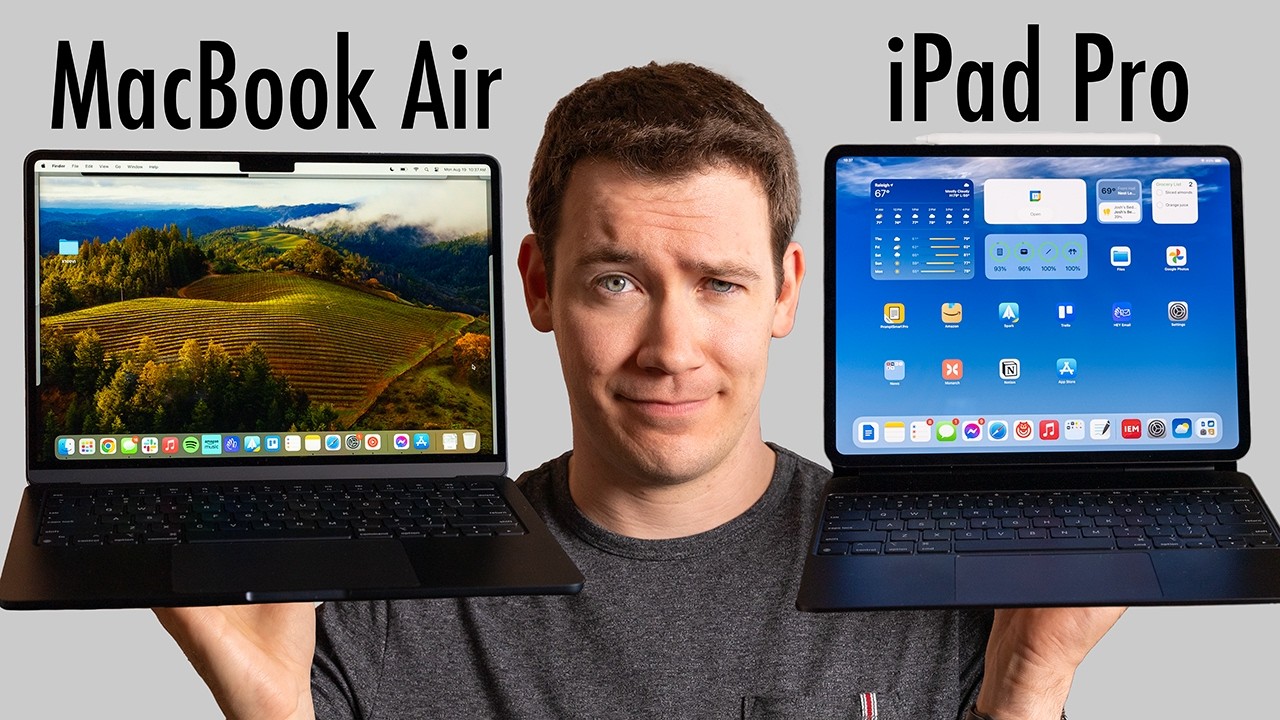
Is it comparable to MacBook? Sure is! Although there are a few limitations. The iPad boasts hardware that can be changed, but the MacBook Air’s macOS software is more robust and flexible. It is more than simply a laptop; it is also a sketchbook and a portable tablet. To maintain compatibility with its two most popular attachments, the Apple Pencil and Magic Keyboard, the iPad has been forced into a specific form. It must remain the same two sizes in order to fit into the Magic Keyboard; it must have flat sides in order attach to the side of the iPad.Fortunately, there aren’t many problems and the design is rather lovely. The tablet is light and thin, making it comfortable to handle in the hand. Even with a large, heavy shell, the iPad is still manageable to hold because it is usually a two-handed device.
Because Face ID components are significantly more expensive than Touch ID components, facial recognition technology has never been included in a brand-new gadget. The iPad Air continues to employ Touch ID integrated into the power button in place of Face ID. It’s a big pain problem with the Magic Keyboard because the Touch ID button is so far away from your hands. This is just a minor con, which is understandable considering the cost of iPad Air.